Bringing Paper to Life: A Comprehensive Guide to the 3D Parrot Bird Shadow Box SVG Template
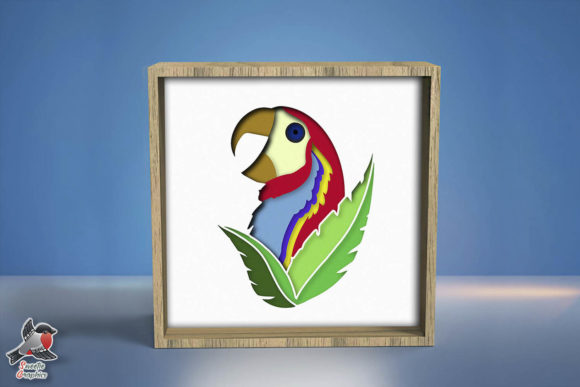
In the evolving world of digital crafting and home décor, few projects offer the perfect intersection of technology, artistry, and cozy ambiance quite like the 3D paper shadow box. Specifically, the 3D Parrot Bird Shadow Box SVG Template has emerged as a standout design for crafters looking to add a touch of tropical warmth and intricate detail to their living spaces. This digital template is more than just a collection of vector files; it is a blueprint for creating a multi-layered lightbox that transforms flat paper into a vibrant, illuminated scene.
For beginners and seasoned makers alike, understanding the nuances of this specific papercraft model is essential for achieving professional results. This guide explores the significance of layered paper art, the technical specifications of the digital files, and the practical steps required to turn a simple download into a stunning interior decoration piece.
The Art and Purpose of Layered Lightboxes
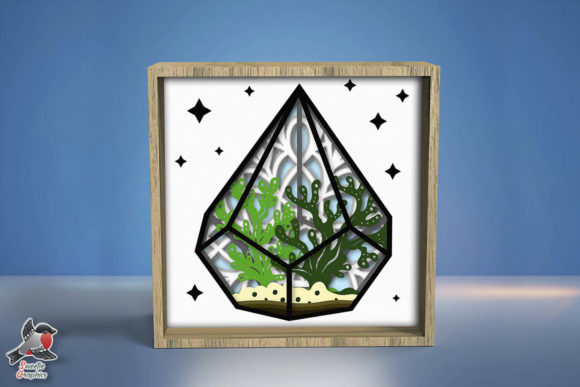
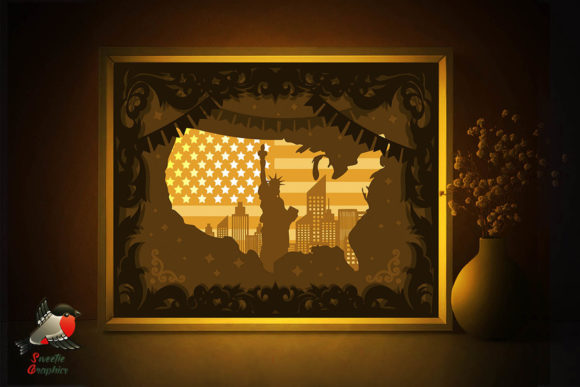
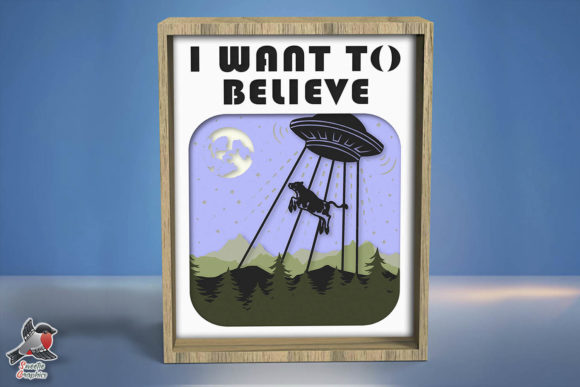
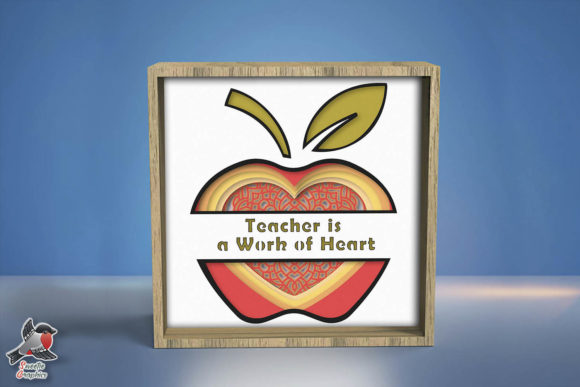
To fully appreciate the 3D Parrot Bird Shadow Box, one must first understand what a lightbox actually is. Unlike traditional shadow boxes that rely solely on external lighting or silhouettes, a paper lightbox utilizes internal illumination to create depth. The design consists of multiple layers of cardstock, each cut with precise negative space. When stacked with spacers in between and backlit by LED strips, the light passes through the varying densities and colors of the paper, creating a glowing, three-dimensional effect.
The parrot theme serves a specific aesthetic purpose. In modern interior design, biophilic elements—designs that connect occupants to nature—are proven to reduce stress and increase feelings of well-being. A brightly colored parrot rendered in soft, diffused light brings an organic energy to a room without the maintenance of live plants or pets. It fills a space with "warmth and coziness," acting as both a functional nightlight and a sophisticated art piece.
Understanding the Digital Assets: Formats and Compatibility
One of the most significant advantages of purchasing a digital template like this 3D Parrot Bird Shadow Box is the versatility of the file formats provided. Upon payment confirmation, users receive a comprehensive ZIP file containing assets optimized for various workflows. Understanding these formats is crucial for selecting the right tools for your project.
- SVG Files (13 individual files): Scalable Vector Graphics are the industry standard for electronic cutting machines like Cricut Maker, Silhouette Cameo, and Brother ScanNCut. Because they are vector-based, you can resize them infinitely without losing quality or pixelation. Having 13 separate SVG files corresponds directly to the 13 layers of the design, making layer management intuitive.
- DXF File: Drawing Exchange Format is essential for users of the basic version of Silhouette Studio, which does not support SVG imports. It ensures accessibility for all machine users.
- PDF File: For those who prefer the meditative process of hand-cutting, the PDF serves as a printable template. You can print this onto your cardstock and use it as a guide for scissors or an X-Acto knife.
- AI and EPS Files: Adobe Illustrator and Encapsulated PostScript files are included for advanced designers who wish to modify the artwork. Perhaps you want to change the parrot’s pose or add personalized text; these editable source files provide that creative freedom.
- PNG Files: High-resolution raster images useful for digital mockups, social media sharing, or sublimation projects where cutting is not involved.
This wide array of formats ensures that whether you are a tech-savvy maker with a laser cutter or a traditional artist with a steady hand, the template adapts to your preferred method.
Material Selection: The Foundation of Success
A common misunderstanding among beginners is assuming any paper will work for a shadow box. However, the structural integrity and light diffusion of the 3D Parrot Bird Shadow Box depend heavily on material choice. The template specifies 180-250gsm paper. This weight range is non-negotiable for optimal results.
Paper lighter than 180gsm tends to warp when exposed to the heat of LED lights and lacks the rigidity to hold crisp edges between layers. Conversely, paper heavier than 250gsm may be too thick to cut intricate details cleanly and can block too much light, resulting in a dim final product. Furthermore, color selection matters. While white cardstock allows for maximum light transmission, using colored cardstock for specific layers (such as green for foliage or red for the parrot's feathers) can enhance the visual depth even before the lights are turned on.
In addition to paper, you will need foam board or foam tape spacers. These create the physical distance between the 13 layers. Without this separation, the shadow box would look flat and muddy. The spacing allows shadows to cast naturally from one layer to the next, which is the secret to the 3D illusion.
Cutting Methods: Machine vs. Hand
The description notes that the files have "smooth lines and are easy to cut," accommodating both automated and manual methods. Each approach offers distinct benefits.
Machine Cutting
Using a digital cutter guarantees uniformity. For a 13-layer project, consistency is key; if layer four is slightly misaligned compared to layer five, the final image will look distorted. Machines also excel at cutting the tiny, intricate details often found in feather textures or leaf veins that might be tedious by hand. When using a machine, always perform a test cut on a scrap piece of your chosen paper weight to calibrate blade depth and pressure.
Hand Cutting
Don't be a bore, be creative! Hand cutting connects you intimately with the design process. Using a sharp art knife and a self-healing mat, you can achieve beautiful results that carry the unique signature of handmade craftsmanship. The PDF template is designed with smooth curves specifically to facilitate scissor and knife work. While more time-consuming, many crafters find the rhythmic act of cutting to be therapeutic and mindful.
Assembly and Customization
Once your 13 layers are cut, assembly requires patience and precision. The included JPG illustrations serve as a vital visual guide, showing exactly how the layers stack. Always assemble dry first to ensure alignment before applying adhesive. Use a glue runner or double-sided tape rather than liquid glue to prevent warping.
Because the template includes editable AI files and resizable vectors, you are encouraged to personalize the project. Modern papercraft is not about rigid adherence to a pattern but about using a foundation to express individual creativity. You might resize the 8x8 inch template to fit a larger frame for a statement wall piece, or scale it down for a desk accessory. The ability to print and cut the template pieces as many times as you like means you can experiment with different color palettes or gift variations without additional cost.
Integrating Papercraft into Modern Life
The resurgence of DIY shadow boxes speaks to a broader cultural shift toward slow living and tangible creation in a digital-first world. In an era where so much of our work and leisure happens on screens, constructing a physical object provides a necessary sensory balance. For educators, templates like the 3D Parrot Bird Shadow Box serve as excellent STEM and art integration tools, teaching concepts of spatial reasoning, layering, and light physics alongside artistic expression.
For small business owners, such templates offer a scalable product line. Because the file is a digital download available instantly upon payment, there is no inventory overhead. Crafters can produce custom lightboxes for nurseries, gifts, or home staging with minimal upfront investment. The "Readme" file included in the download typically outlines licensing terms, ensuring ethical use whether for personal enjoyment or commercial enterprise.
Final Thoughts on Digital Crafting
The 3D Parrot Bird Shadow Box SVG Template represents the best of modern digital crafting: accessible, versatile, and deeply satisfying. By combining high-quality vector design with the tactile joy of paper assembly, it bridges the gap between screen and reality. Whether you are illuminating a child's bedroom, enhancing your home office, or simply seeking a new creative outlet, this template provides the structure needed to succeed while leaving ample room for personal interpretation. Remember, the goal is not just to replicate a file, but to fill your room with warmth, coziness, and the unique glow of something made by your own hands.